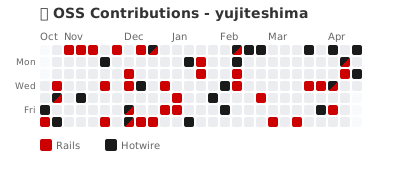
A tool that displays contributions to multiple OSS projects in a single color-coded graph. Simply embed it in your GitHub Profile README.
Add the following to your GitHub Profile README. Just replace YOUR_USERNAME with your GitHub username:
With auto=true, the tool automatically detects organizations you've contributed to via the GitHub API — no manual configuration needed.
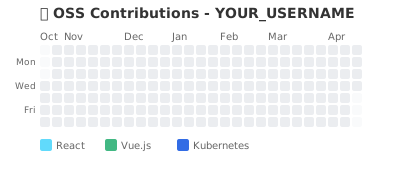| Parameter | Description | Default | Example |
|---|---|---|---|
username |
GitHub username | - | yujiteshima |
auto |
Auto-detect contributed organizations | false |
true |
orgs |
Organization settings (comma-separated) | - | rails,vuejs,kubernetes |
exclude |
Exclude organizations in auto mode (comma-separated) | - | my-company,work-org |
months |
Display period (1-12) | 6 |
3, 6, 12 |
format |
Output format | svg |
svg, png |
demo |
Demo mode | false |
true |
Preset colors (Recommended) - Just specify organization names:
?orgs=rails,vuejs,kubernetes
Supported presets include: vercel, vuejs, react, angular, kubernetes, docker, rails, django, fastapi, nodejs, rust-lang, golang, tensorflow, pytorch, opencv, cupy, htmx, and more.
Aliases are also supported: k8s → kubernetes, go → golang, vue → vuejs, etc.
Custom colors - Specify color and label manually:
organization:color(6-digit HEX):label
Examples:
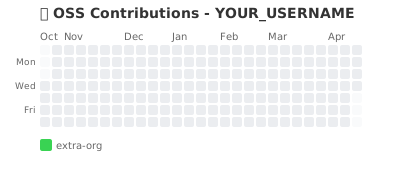
rails:CC0000:Rails- Display Rails contributions in red with label "Rails"hotwired:1a1a1a:Hotwire- Display Hotwire contributions in blackhonojs:E36002:Hono- Display Hono contributions in orange
Mixed - Combine presets and custom:
?orgs=rails,vuejs,custom:FFFFFF:My Org
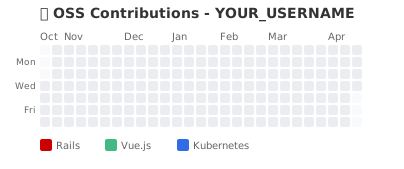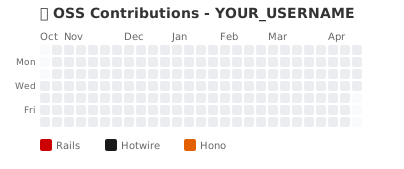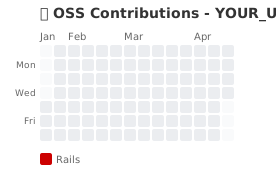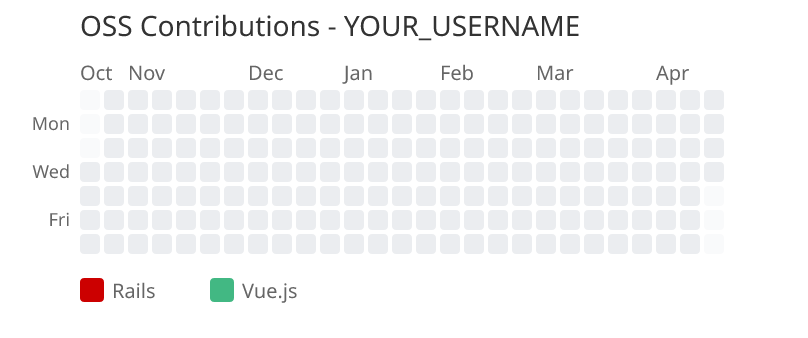Use /api/card endpoint for OGP meta tags:
https://oss-contribution-graph.vercel.app/api/card?username=YOUR_USERNAME&orgs=rails,vuejs
If you prefer to host your own instance:
Configure the following environment variable in the Vercel dashboard:
| Variable | Description |
|---|---|
GITHUB_TOKEN |
GitHub Personal Access Token (read:user, read:org scopes) |
Replace the domain with your own deployment URL:
# Install dependencies
npm install

# Set environment variable
export GITHUB_TOKEN=your_github_token

# Start development server
npm run devread:user- Read user informationread:org- Read organization information (required for fetching organization IDs)
- Fetch organization ID via GitHub GraphQL API
- In auto mode, detect organizations from
commitContributionsByRepository - Filter contributions per organization using
contributionsCollection(organizationID: $orgId) - Merge data from multiple organizations
- Output as SVG image
If you find this tool useful, please consider giving it a star! It helps others discover the project.
Have ideas for new features or found a bug? Feel free to open an issue. All feedback and feature requests are welcome!
MIT
Inspired by: