


A simple Python Qt syntax highlighting widget
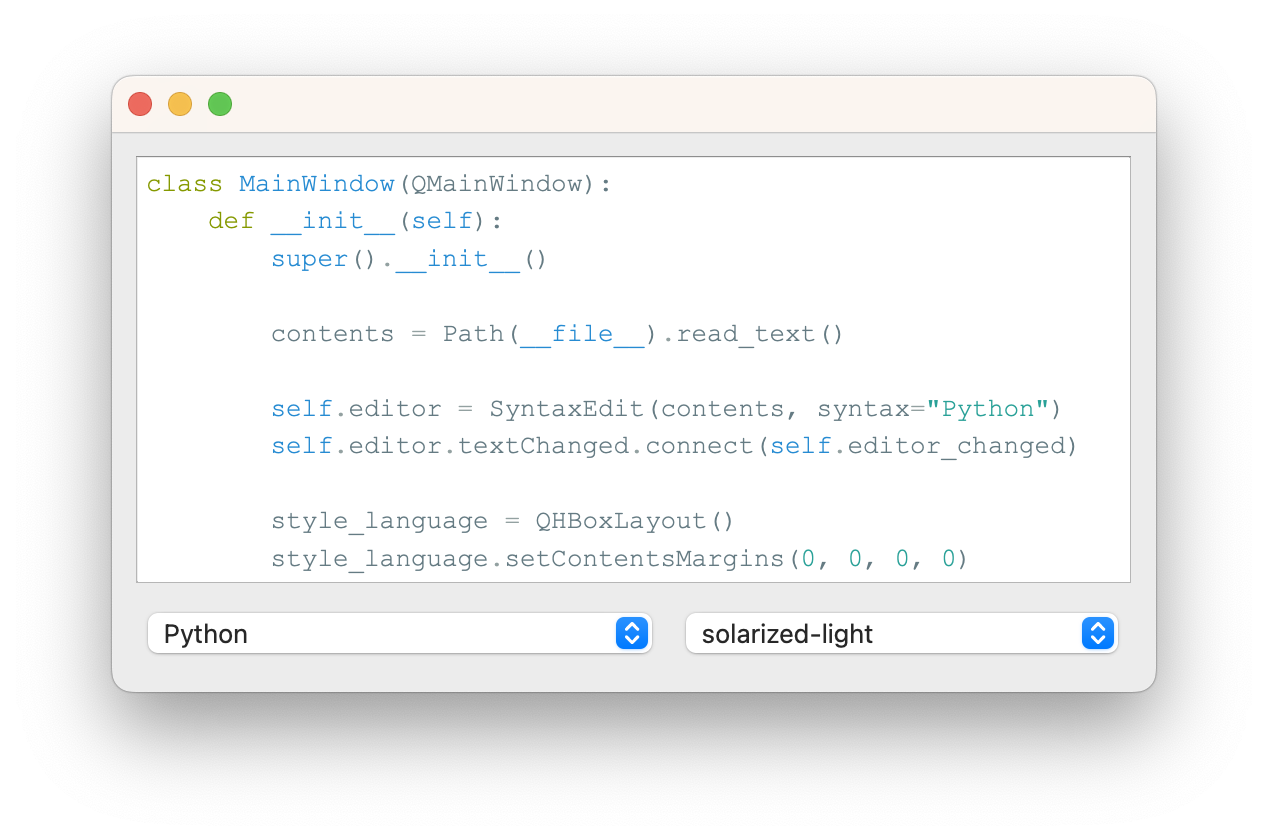
- Extensive syntax and theme support - powered by Pygments
- Set font and font size
- Set indentation size
-
Install package
pip install syntaxedit
Or
poetry add syntaxedit
-
In your app, include the package, and create a
SyntaxEditwidget:from syntaxedit.core import SyntaxEdit code = """# Todo list - [ ] Go shopping - [x] Walk the dog""" widget = SyntaxEdit(code)
content: the initial content for the widget. Default:""parent: parent Qt widget for SyntaxEdit. Default:Nonefont: the font family for the widget. Default:"Courier New"font_size: size to use for the font. Default:13syntax: the code syntax to use. Default:"Markdown"theme: the syntax theme to use. Default:"solarized-light"indentation_size: the size for indentation. Default:4use_theme_background: whether to use the background colour from the theme or to not set one. Default:True
By David Winter
MIT