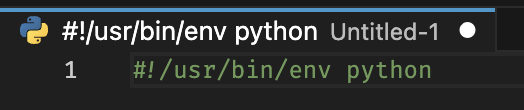
Set of snippets for Visual Studio Code to insert "shebang" lines for various types of scripts and interpreters used on Unix-like systems.
After opening a new file you can just type # or press CTRL+SPACE at the beginning of the first line to add the full line:
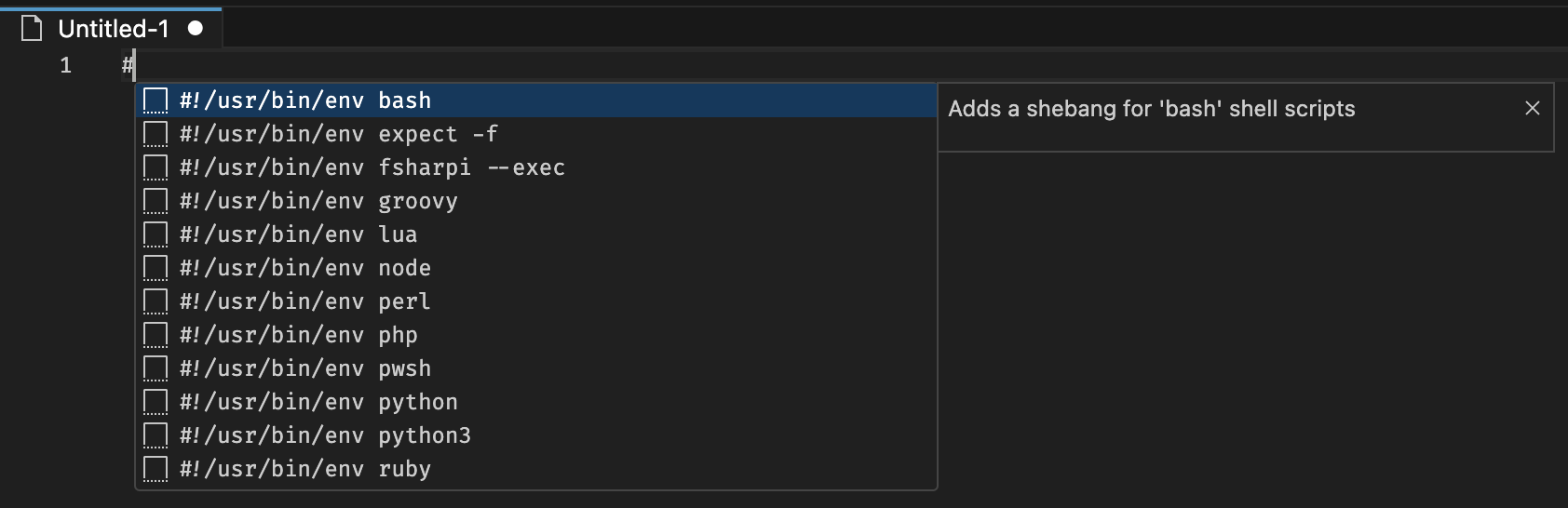
Currently supported shebang snippets:
- Shell:
shbashzshnu
- Expect:
expect -f - Perl:
perl - Lua:
lua - Python:
pythonpython3
- PHP:
php - Node:
node - F#:
dotnet fsi - Ruby:
ruby - Groovy:
groovy - PowerShell Core:
pwsh - TypeScript:
tsxts-node
For some languages the magic comment for encoding
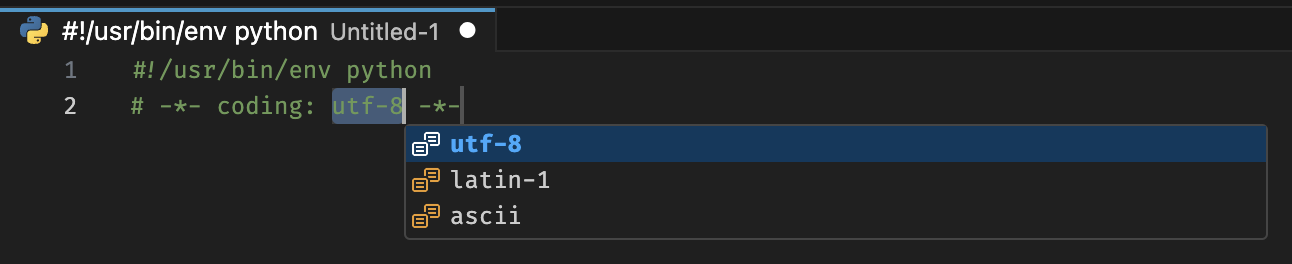
# -*- coding: utf-8 -*-
can be inserted by typing # at the beginning of the second line. The snippet offers different encodings for selection.

After inserting a shebang snippet the extension automatically switches current editor tab to the appropriate language. For example, if you insert a shebang for the Python interpreter, the editor will switch to "Python" mode.