



This module is deprecated and will be archived on January 17, 2026. Please see the pinned issue for details and migration guidance.
We literally have hundreds of other terraform modules that are Open Source and well-maintained. Check them out!
This component provisions Opsgenie teams and related services, rules, and schedules.
Tip
Cloud Posse uses atmos to easily orchestrate multiple environments using Terraform.
Works with Github Actions, Atlantis, or Spacelift.
Watch demo of using Atmos with Terraform
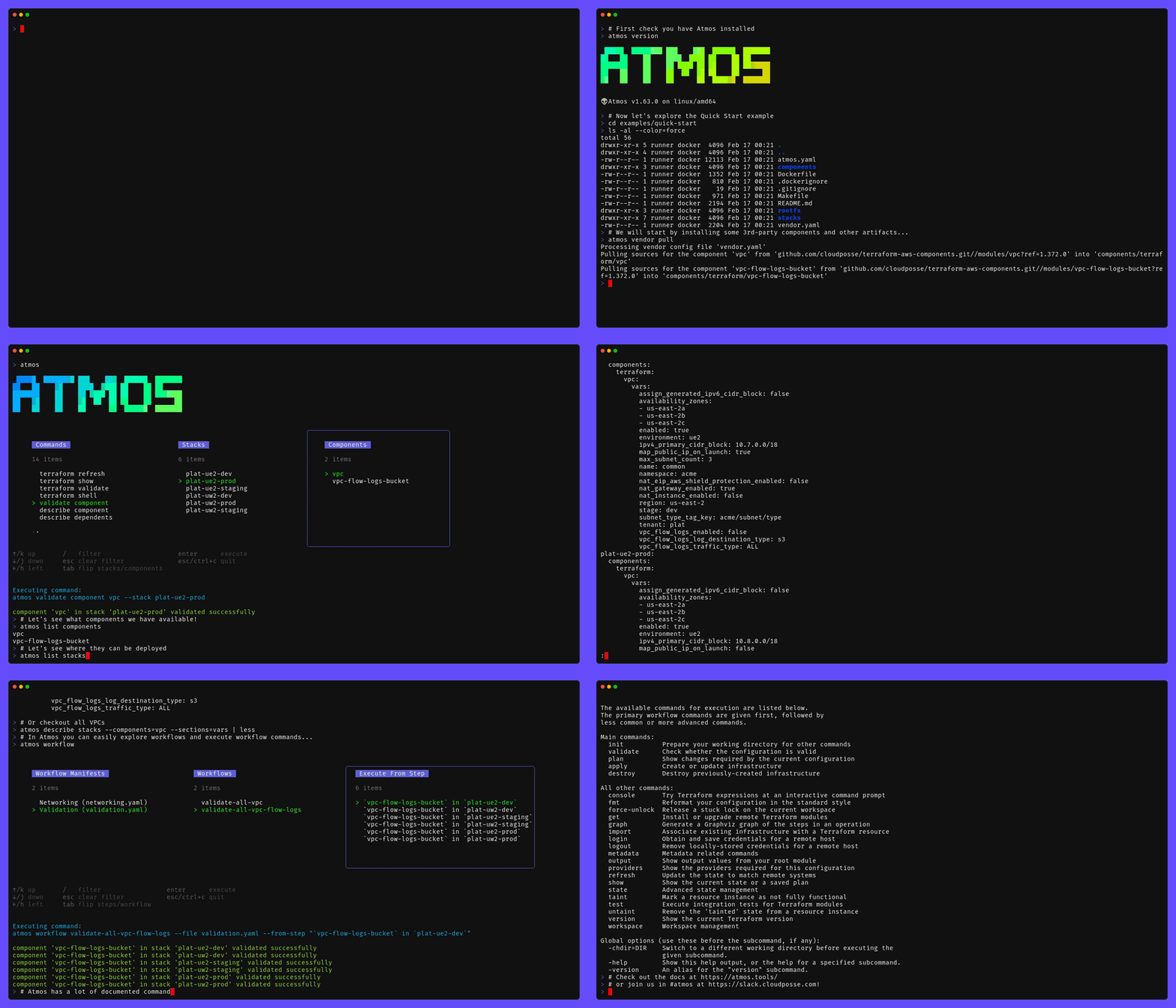
Example of running
atmos to manage infrastructure from our Quick Start tutorial.
You need an API Key stored in /opsgenie/opsgenie_api_key of SSM; this is configurable using the
ssm_parameter_name_format and ssm_path variables.
Opsgenie is now part of Atlassian, so you need to make sure you are creating an Opsgenie API Key, which looks like
abcdef12-3456-7890-abcd-ef0123456789 and not an Atlassian API key, which looks like:
ATAfT3xFfGF0VFXAfl8EmQNPVv1Hlazp3wsJgTmM8Ph7iP-RtQyiEfw-fkDS2LvymlyUOOhc5XiSx46vQWnznCJolq-GMX4KzdvOSPhEWr-BF6LEkJQC4CSjDJv0N7d91-0gVekNmCD2kXY9haUHUSpO4H7X6QxyImUb9VmOKIWTbQi8rf4CF28=63CB21B9Generate an API Key by going to Settings -> API key management on your Opsgenie control panel, which will have an
address like https://<your-org>.app.opsgenie.com/settings/api-key-management, and click the "Add new API key" button.
Once you have the key, test it with curl to verify that you are at least on a Standard plan with OpsGenie:
curl -X GET 'https://api.opsgenie.com/v2/account' \
    --header "Authorization: GenieKey $API_KEY"
The result should be something similar to below:
{
    "data": {
        "name": "opsgenie",
        "plan": {
            "maxUserCount": 1500,
            "name": "Enterprise",
    ...
}
If you see Free or Essentials in the plan, then you won't be able to use this component.
- Stack Level: Global
This component should only be applied once as the resources it creates are regional, but it works with integrations.
This is typically done via the auto or corp stack (e.g. gbl-auto.yaml).
# 9-5 Mon-Fri
business_hours: &business_hours
  type: "weekday-and-time-of-day"
  restrictions:
    - start_hour: 9
      start_min: 00
      start_day: "monday"
      end_hour: 17
      end_min: 00
      end_day: "friday"

# 9-5 Every Day
waking_hours: &waking_hours
  type: "time-of-day"
  restrictions:
    - start_hour: 9
      start_min: 00
      end_hour: 17
      end_min: 00

# This is a partial incident mapping, we use this as a base to add P1 & P2 below. This is not a complete mapping as there is no P0
priority_level_to_incident: &priority_level_to_incident
  enabled: true
  type: incident
  priority: P1
  order: 1
  notify: # if omitted, this will default to the default schedule
    type: schedule
    name: default
  criteria:
    type: "match-all-conditions"
    conditions:
      - field: priority
        operation: equals
        expected_value: P0

p1: &p1_is_incident
  <<: *priority_level_to_incident
  priority: P1
  criteria:
    type: "match-all-conditions"
    conditions:
      - field: priority
        operation: equals
        expected_value: P1

p2: &p2_is_incident
  <<: *priority_level_to_incident
  priority: P2
  criteria:
    type: "match-all-conditions"
    conditions:
      - field: priority
        operation: equals
        expected_value: P2

components:
  terraform:
    # defaults
    opsgenie-team-defaults:
      metadata:
        type: abstract
        component: opsgenie-team

      vars:
        schedules:
          london_schedule:
            enabled: false
            description: "London Schedule"
            timezone: "Europe/London"

        # Routing Rules determine how alerts are routed to the team,
        # this includes priority changes, incident mappings, and schedules.
        routing_rules:
          london_schedule:
            enabled: false
            type: alert
            # https://support.atlassian.com/opsgenie/docs/supported-timezone-ids/
            timezone: Europe/London
            notify:
              type: schedule # could be escalation, could be none
              name: london_schedule
            time_restriction: *waking_hours
            criteria:
              type: "match-all-conditions"
              conditions:
                - field: priority
                  operation: greater-than
                  expected_value: P2

          # Since Incidents require a service, we create a rule for every `routing_rule` type `incident` for every service on the team.
          # This is done behind the scenes by the `opsgenie-team` component.
          # These rules below map P1 & P2 to incidents, using yaml anchors from above.
          p1: *p1_is_incident
          p2: *p2_is_incident

    # New team
    opsgenie-team-sre:
      metadata:
        type: real
        component: opsgenie-team
        inherits:
          - opsgenie-team-defaults
      vars:
        enabled: true
        name: sre

        # These members will be added with an opsgenie_user
        # To clickops members, set this key to an empty list `[]`
        members:
          - user: [email protected]
            role: owner

        escalations:
          otherteam_escalation:
            enabled: true
            name: otherteam_escalation
            description: Other team escalation
            rules:
              condition: if-not-acked
              notify_type: default
              delay: 60
              recipients:
                - type: team
                  name: otherteam

          yaep_escalation:
            enabled: true
            name: yaep_escalation
            description: Yet another escalation policy
            rules:
              condition: if-not-acked
              notify_type: default
              delay: 90
              recipients:
                - type: user
                  name: [email protected]

          schedule_escalation:
            enabled: true
            name: schedule_escalation
            description: Schedule escalation policy
            rules:
              condition: if-not-acked
              notify_type: default
              delay: 30
              recipients:
                - type: schedule
                  name: secondary_on_call
The API keys relating to the Opsgenie Integrations are stored in SSM Parameter Store and can be accessed via chamber.
AWS_PROFILE=foo chamber list opsgenie-team/<team>
- After deploying the opsgenie-team component the created team will have a schedule named after the team. This is purposely left to be clickOps’d so the UI can be used to set who is on call, as that is the usual way (not through code). Additionally, we do not want a re-apply of the Terraform to delete or shuffle who is planned to be on call, thus we left who is on-call on a schedule out of the component.
The problem is there are 3 different api endpoints in use
/webapp- the most robust - only exposed to the UI (that we've seen)/v2/- robust with some differences fromwebapp/v1/- the oldest and furthest from the live UI.
This module does not create users. Users must have already been created to be added to a team.
- Api Currently doesn't support Multiple ServiceIds for incident Rules
- Track the issue: opsgenie/terraform-provider-opsgenie#278
- Track the issue: DataDog/terraform-provider-datadog#67
Another Problem is the terraform docs are not always up to date with the provider code.
The OpsGenie Provider uses a mix of /v1 and /v2. This means there are many things you can only do from the UI.
Listed below in no particular order
- Incident Routing cannot add dependent services - in
v1andv2aservice_incident_ruleobject hasserviceIdas type string, in webapp this becomesserviceIdsof typelist(string) - Opsgenie Provider appears to be inconsistent with how it uses
time_restriction:restrictionsfor typeweekday-and-time-of-dayrestrictionfor typetime-of-day
Unfortunately none of this is in the terraform docs, and was found via errors and digging through source code.
Track the issue: opsgenie/terraform-provider-opsgenie#282
We recommend to use the human readable timezone such as Europe/London.
-
Setting a schedule to a GMT-style timezone with offsets can cause inconsistent plans.
Setting the timezone to
Etc/GMT+1instead ofEurope/London, will lead to permadrift as OpsGenie converts the GMT offsets to regional timezones at deploy-time. In the previous deploy, the GMT style get converted toAtlantic/Cape_Verde.# module.routing["london_schedule"].module.team_routing_rule[0].opsgenie_team_routing_rule.this[0] will be updated in-place ~ resource "opsgenie_team_routing_rule" "this" { id = "4b4c4454-8ccf-41a9-b856-02bec6419ba7" name = "london_schedule" ~ timezone = "Atlantic/Cape_Verde" -> "Etc/GMT+1" # (2 unchanged attributes hidden)
Some GMT styles will not cause a timezone change on subsequent applies such as
Etc/GMT+8forAsia/Taipei. -
If the calendar date has crossed daylight savings time, the
Etc/GMT+GMT style will need to be updated to reflect the correct timezone.
Track the issue: opsgenie/terraform-provider-opsgenie#258
See OpsGenie in the Reference Architecture
Important
In Cloud Posse's examples, we avoid pinning modules to specific versions to prevent discrepancies between the documentation and the latest released versions. However, for your own projects, we strongly advise pinning each module to the exact version you're using. This practice ensures the stability of your infrastructure. Additionally, we recommend implementing a systematic approach for updating versions to avoid unexpected changes.
For additional context, refer to some of these links.
- cloudposse-terraform-components - Cloud Posse's upstream component
- Opsgenie API key management documentation -
- OpsGenie pricing/features -
- Supported timezone IDs -
- Issue - Cannot Add Stakeholders -
- Issue - No Resource to create Slack Integration -
- Issue - Out of Date Terraform Docs -
- Issue - GMT Style Timezones -
- OpsGenie in the Reference Architecture -

Preamble to the Apache License, Version 2.0
Licensed to the Apache Software Foundation (ASF) under one
or more contributor license agreements.  See the NOTICE file
distributed with this work for additional information
regarding copyright ownership.  The ASF licenses this file
to you under the Apache License, Version 2.0 (the
"License"); you may not use this file except in compliance
with the License.  You may obtain a copy of the License at

  https://www.apache.org/licenses/LICENSE-2.0

Unless required by applicable law or agreed to in writing,
software distributed under the License is distributed on an
"AS IS" BASIS, WITHOUT WARRANTIES OR CONDITIONS OF ANY
KIND, either express or implied.  See the License for the
specific language governing permissions and limitations
under the License.
All other trademarks referenced herein are the property of their respective owners.
Copyright © 2017-2025 Cloud Posse, LLC