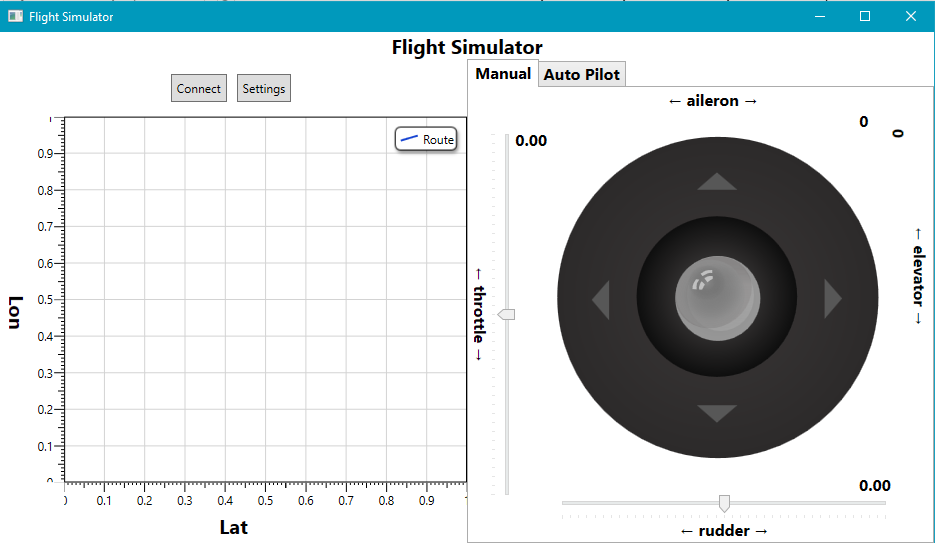
WPF apllication for controlling FlightGear simulator
Make sure to add generic_small.xml to data/protocol folder in FlightGear installation path.
Press the settings button to change server IP, info server port and command port. Make sure to run FlightGear with the following settings:
--generic=socket,out,10,SERVER_IP,INFO_PORT,tcp,generic_small
--telnet=socket,in,10,SERVER_IP,COMMAND_PORT,tcp
Launch the simulator and while it loads, press the connect button. On the left side grid you will see the path of the airplane. On the right side you can either manually controll the plane or automatically:
- Manual - Controll throttle, rudder, elevator and aielron values
- Automatic - Send set commands to the simulator. press OK to send, each command will be executed in 2 seconds delay